
AI Guides
AI in Social Media Pros and Cons: What’s Actually Working (and What’s Not) in 2026
A couple of years ago, talking about AI in social media meant a clunky caption generator and a scheduling tool. Today, open TikTok, Instagram,…

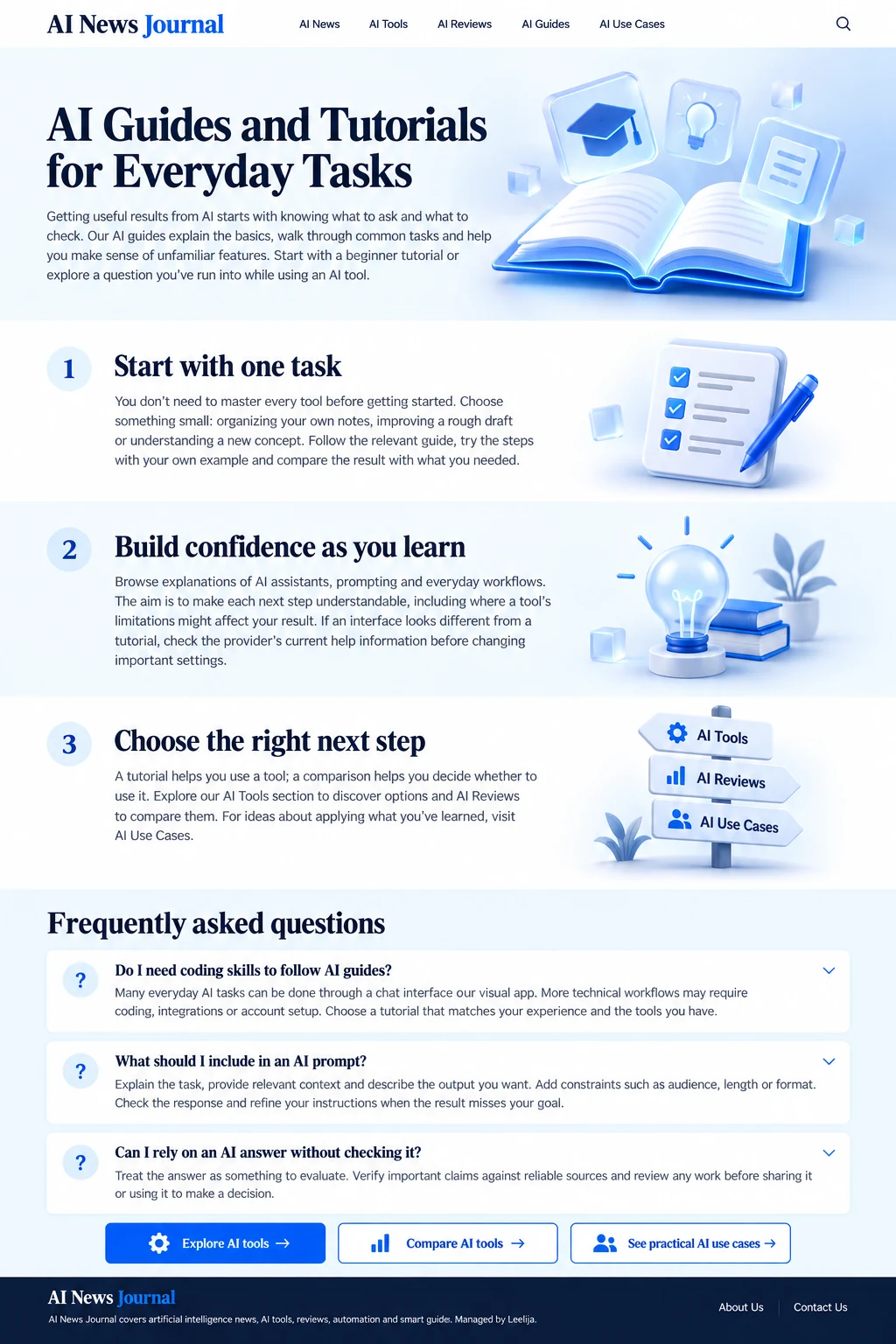
Getting useful results from AI starts with knowing what to ask and what to check. Our AI guides explain the basics, walk through common tasks and help you make sense of unfamiliar features. Start with a beginner tutorial or explore a question you’ve run into while using an AI tool.
A couple of years ago, talking about AI in social media meant a clunky caption generator and a scheduling tool. Today, open TikTok, Instagram,…
AI video generation is growing faster to improve social media posts, create attractive content, and support social media marketing. AI tools save time and…
What is Genspark AI? It can be said in one word that it is an all-in-one generative AI workspace that contains many features. This…
There is no doubt that artificial intelligence is improving writing career by integration of new AI tools. The times have changed! Writers who were…
AI search optimization is the method of enhancing your content and website so that AI-powered search experiences can find, understand, collect, and potentially mention…
You can see ChatGPT in reports and emails at work. The tone of ChatGPT is quite polite, but it is not as subtle as…
Do you know how ChatGPT generates responses? ChatGPT creates a response by changing the prompt into tokens, interpreting the situation using a transformer model,…
To move from ChatGPT to Claude, go to claude.ai and sign up for a free account. Then start chatting right away. In most cases,…
There is no doubt that Anthropic has introduced a true problem-solving AI chatbot, Claude AI, which could pose a bigger challenge to ChatGPT and…
Like other AI software, Claude AI has become a popular large language model which capable of solving queries with proper solutions. This software is…
You don’t need to master every tool before getting started. Choose something small: organizing your own notes, improving a rough draft or understanding a new concept. Follow the relevant guide, try the steps with your own example and compare the result with what you needed.
Browse explanations of AI assistants, prompting and everyday workflows. The aim is to make each next step understandable, including where a tool’s limitations might affect your result. If an interface looks different from a tutorial, check the provider’s current help information before changing important settings.
A tutorial helps you use a tool; a comparison helps you decide whether to use it. Explore our AI Tools section to discover options and AI Reviews to compare them. For ideas about applying what you’ve learned, visit AI Use Cases.
Many everyday AI tasks can be done through a chat interface or visual app. More technical workflows may require coding, integrations or account setup. Choose a tutorial that matches your experience and the tools you have.
Explain the task, provide relevant context and describe the output you want. Add constraints such as audience, length or format. Check the response and refine your instructions when the result misses your goal.
Treat the answer as something to evaluate. Verify important claims against reliable sources and review any work before sharing it or using it to make a decision.