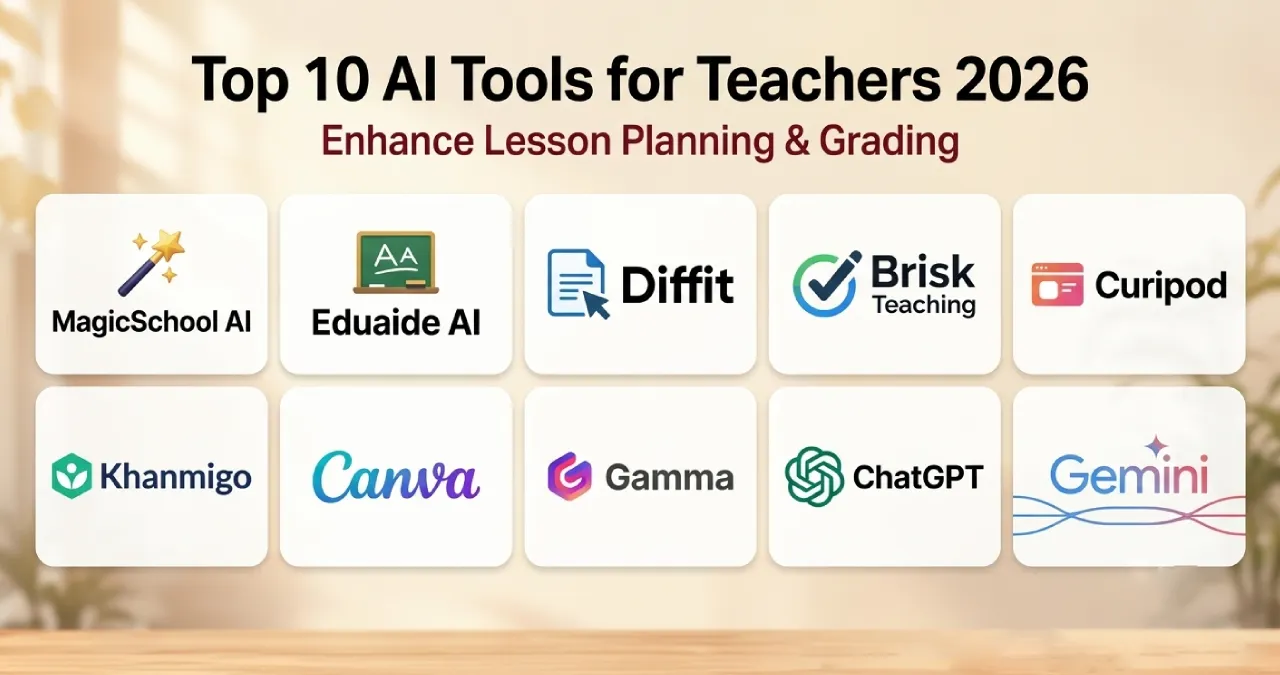

The best AI tools for teachers in 2026 include tools like MagicSchool AI, Eduaide AI, Diffit, and so on. But why has it become essential to seek help from AI for teaching? Teaching in 2026 won’t work if you’re still using old techniques. In this fast-paced time, preparing lessons and grading assignments takes up too much time.
While AI tools can help teachers to create customized question papers on a subject basis, it develops quizzes, personalize learning materials, generate presentations, and save you time on routine tasks. So if you are a teacher, such AI tools will be a blessing to your teaching career. Today, in this Ainewsjournal article, we are presenting the top ten AI teaching tools, their features, uses, and prices.
Table of Contents
Why Do Teachers Need AI in Education?
If you are a teacher, you must be aware of the new generation of education systems, subjects, and updates. As a teacher, if you want to keep up with this race, then you have to take the help of available AI for teaching. How can ot help you? It can help you by,
- The education quality
- Enhance subject skills
- Personalized learning
- Access high-quality educational sources
- Provide subject-oriented worksheets
- Scope out knowledge gaps
- Adapts to new learning styles
- Solves problems quickly
Despite having so many positive ways AI can be used in the teacher education process, there are some limitations too. Limitations include the accuracy of the information, they cannot replace your own ability, and the privacy of the data.
Top Ten AI Tools For Teachers In Modern Education
There could be several AI tools for educators that probably can help teachers to provide all the benefits they need. But before you start choosing any of the top ten AI tools, take a look at their division, features, uses, and pricing.
1. Tools That Build A Classroom Ecosystem
MagicSchool AI
MagicSchool AI is an AI-generated tool that is built to support teachers to improve education process. The best thing about this tool is helps teachers to build plans for giving lessons, preparing questions for assessments, and communication.
Best Uses
- Prepare rubrics
- Provide IEP-related support
- Grade security
Features
- Provide Custom enterprise tools
- Tag Technology
- Student room insight
- Enhanced moderation
Pricing
MagicSchool provides a free tier for teachers for basic solutions. The free tier features includes raina chatbot, quizzes, class writing feedback, basic support and development, and best privacy of data. But if teachers have more expectations, they can use the Plus version at $8.33 at a monthly rate. It includes more advanced and extra features than the free one, like,
- Unlimited generation
- Unlimited output history
- 50+studen tools
- Student learning insights
- Advanced tool features
- MagicSchool Labs
Eduaide AI
Eduaide is another gem that helps K-12 teachers to create worksheets, graphic organizers, and build customized games on the standards.
Best Uses
- Create lessons plans
- Instructional materials
- Worksheets
- Discussion activities
- Classroom resources for a topic
Features
- It has personalization tools
- Feedback bot
- Assessment builder
Pricing
Eduaide provides a free tier with some limitations and features such as limited generation, lesson plans, worksheets, assessment generation, content enhancement, limited context, and document uploads. But if you want to experience something more and unlimited generation facilities, then you can go with the Pro plan, which costs $5.99 monthly/49.99 yearly.
2. For Learning And Literacy In Education
Diffit
This AI tool goes beyond generic AI in education. Moreover, this makes tough tasks easier so that teachers can focus on exactly what the students need. More than 96% of teachers referred to Diffit for article adaptation, vocabulary lists, summary points, and comprehension questions that aligned with reading positions.
Best Uses
- Critical thinking
- Increase engagement
- Support in research-based scaffolds
- Developed vocabulary activities
- Clear support so each student can reach grade-level work.
Features
- Content adjustment
- Multiple input options
- Customizable resources
- Vocabulary support
- Structured worksheet
Pricing
Diffit is a free trial tool, but it charges a fee when a school authority uses it. Otherwise, teachers can use it for free to improve their skills and teaching styles.
Brisk Teaching
It works like a browser. If you’re trying to generate content or plan assessments for students, this tool is the best one. Teachers can adjust the reading level of text. They can also draft lesson plans. The tool can add clear, useful comments to student work while they are working.
Best Uses
- Generate obstruction
- Generates teaching materials
- Prepare presentations
- Create assessment
- Adapt existing resources
Features
- Quiz maker
- Presentation maker
- Give feedback
- Inspect writing
- Change reading levels
- Create instructional materials
Pricing
This tool provides a free extension for regular teachers, and for school and district users, it has a paid Pro version that is paid.
3. Engaging Assessments And Interaction
Curipod
Creates slide presentations that you can interact with. Includes real-time polls, short answer prompts, and simple drawing tasks. You can set it up around a subject area or a specific standard.
Best Uses
- Increases vocabulary
- Create polls and questions
- Create interactive lessons
- Add interactive activities
Features
- Make slideshows easier in presentations
- Save time
- Unlimited template
- Feedback sharing
Pricing
Talking about the pricing, Curipod has a free version which provides basic features like question and answer generation, vocabulary creation, free chatting support, five free lessons, unlimited participants, emails, and monthly translator credits. But there are several premium plans that may provide more features. Its premium version is not free; it charges $24 per month and yearly $228.
Khanmigo
The Khanmigo AI tool supports teachers as an assistant for students. It is used to prepare questions to guide students through problem-solving instead of giving direct answers.
Best uses
- Making tutoring-style interaction
- Students practice
- Teaching assistance
- Brainstorming teaching ideas
Features
- Clear directions
- Multiple-choice assessment
- Personalization of report cards
- Generate Rubrics
- Letter of recommendation
Pricing
Teachers can use these tools without paying. Yes, it is free for them. It only charges $4 per month if it is used by any students or parents.
4. Visual and presentation design
Canva
Who doesn’t know about this wonderful tool, which is helping teachers and students both with its unlimited templates for designing presentations and creating collages? This tool can be recognized as a magic studio that has unlimited designs and infographics to generate essential educational documents.
Best Uses
- Convert text outlines into presentation decks
- Create visually engaging presentations
- Build classroom activities
- Create certificates
- Design educational posters
Features
- PDF editor
- Improve image quality
- Presentation maker
- Magic writer
- Template generators
- Infographic maker
- Design visual anchor chart
Pricing
Canva also has a free tier option where you can easily get many templates, designs, and infographics, so if you are ok with the free tier features, you can go with it. But if you want to access all the key Canva features, you can use the Pro plan by paying only $18 per month.
Gamma
Turns plain text files or quick prompts into tidy slide decks with a clean look and into interactive web pages.
Best uses
- Help in developing study guides
- Create interactive content
- Summarize educational content
- Create project materials
Features
- Exports PPT, PDF, and Google Slides
- Tracks engagement metrics
- Instant layout preparation ability
- Generates images and reworks
Pricing
The Gamma tool has a free tier option along with pro plans. Its pro plan costs about $18 monthly, the Plus plan costs about $9 monthly, and the Ultra plan costs about $90 per month.
How Teachers Can Use AI Responsibly
AI might speed things up, but teachers still own the last part of what students learn. If you plan to use AI text, review it first. Make sure the facts are right. Confirm the directions work. Look at the examples. Check the reading level. Also scan for bias that could shape how students see things.
Teachers should be careful with student data. Do not put private student details into AI tools unless your school rules say it is okay. Also confirm the tool’s privacy settings provide solid protection.
Final Verdict
Picking the right free AI tools for teachers in 2026 is not one-size-fits-all. It comes down to the work you need to do each day.
If you want help with ideas, you can try general chat tools like ChatGPT or Gemini. They are handy for drafts, lesson prompts, and quick content starts.
If you need tools made for teaching tasks, there are options built for that purpose. MagicSchool, Diffit, Quizizz, and Brisk Teaching focus more on classroom needs than on general chat.
FAQs
What AI do most teachers use?
ChatGPT is currently one of the most widely used AI tools among teachers.
Is ChatGPT free for educators?
Yes, it is free for educators.
What are the smartest free AI tools right now?
For a general-purpose free AI, Gemini, ChatGPT, and Claude are among the strongest options.
Which free AI tool is best for lesson planning?
MagicSchool AI is designed around teacher workflows and offers tools for lesson planning, worksheets, rubrics, and other classroom tasks.
Can AI tools help teachers create quizzes and worksheets?
Yes. Several teacher-focused AI platforms can generate worksheets, questions, quizzes, rubrics, and other instructional resources.
What should teachers consider before using an AI tool?
Teachers should check accuracy, student-data privacy, age suitability, school policies, free-tier limitations, and how much human review is required.