
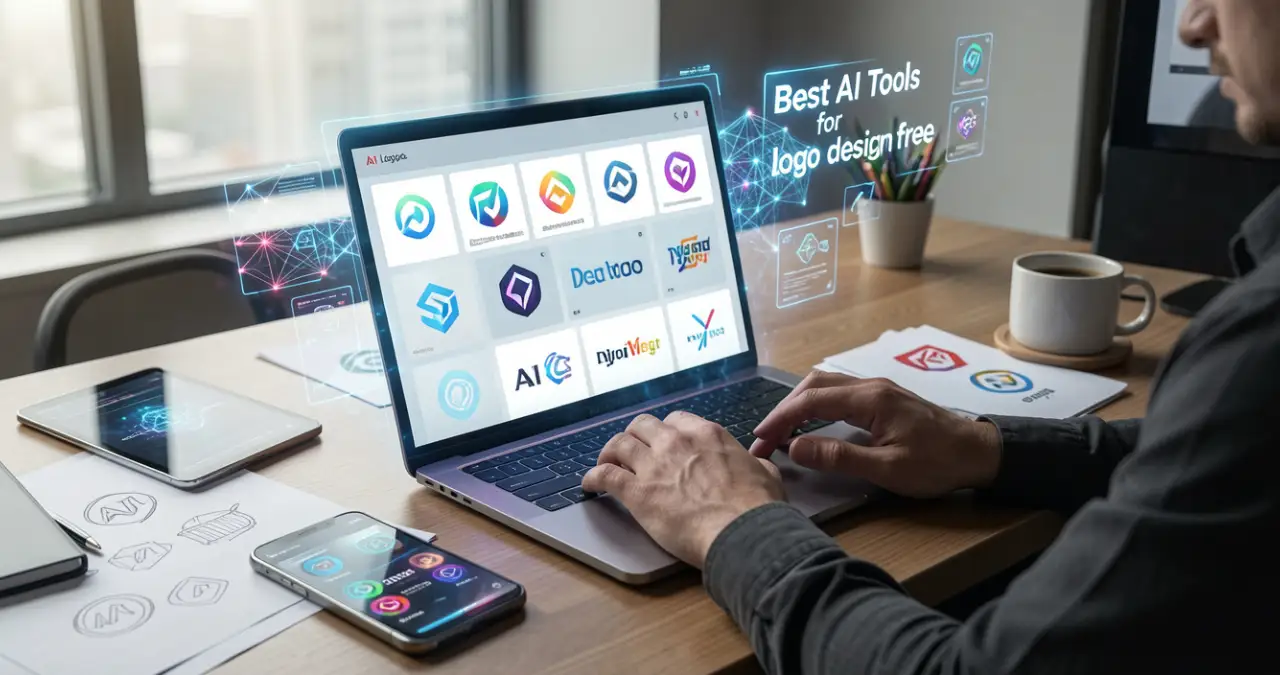

In 2026, business owners don’t need a large budget or expert design talent to create a stunning logo. Thanks to AI-supported logo creators, anybody—from beginners to content creators—can create exceptional logos in a few minutes. You can get a free AI logo maker. No design skills needed here. A creator can instantly generate a high-quality logo.
Table of Contents
What Are AI Logo Design Tools?
AI logo design tools present software applications taking the help of neural networks, generative AI and machine learning to produce modified logos quickly on the basis of the choice of style, brand name, and user prompts.
Benefits of Using Free AI Logo Makers
The benefits of Free AI logo creators are as follows:
- Quick: The AI logo creators produce top-quality logos within a short span of time.
- Cheap rate: There is no need for designers who charge a high rate. So, it is good for startups and small businesses.
- User-friendly: The platform is good for someone without editing experience.
- Modification: As a creator, you can change the layout, font and colour of the logo.
- Simple reach of design files: The creators can get their logo design files easily.
Best Free AI Logo Design Tools
1. Tailor Brands
Tailor Brands is a holistic AI-supported website created for startups to develop an identity of their company and generate websites.
Features
- Using this AI tool, the creator can generate a logo without any charges.
- It functions on the basis of subscription.
- You can select the style of the logo.
- The user can get logos quickly within one minute.
- You can modify the colours, font and icon of a logo.
Pros
- Anyone can use this tool.
- The user can get files with a high resolution.
- One can get a free design of a logo.
Cons
- The creator cannot rotate or move the elements easily.
- It has a subscription model.
- The level of creativity is lower as it is created using AI.
Pricing
- Lite: $0
- Essential: $199 per year
- Elite: $249 per year
Best for
Small business owners and entrepreneurs.
2. Ideogram
Ideogram presents an AI text-to-image creator with a high standard for precise rendering and text in the images.
Features
- Generate several ideas for a logo.
- Excellent for typography and text logos.
- From the text prompts, you can create AI logos.
Pros
- You can get standard images from this logo maker.
- The user can find a wide range of logo ideas.
- It is remarkable for typography logos.
- It is good for logos in text format.
Cons
- It depends on the prompt for a good logo creation.
- Paid plans have high-quality features and commercial rights.
- Internet connection should be really good due to its cloud feature.
Pricing
- Free: $0
- Plus: $15 per month
- Pro: $42 per month
Best for
Branding, graphic design, typography, and photorealism.
3. Hatchful by Shopify
Hatchful by Shopify presents an AI-supported free logo creator. It produces branding at the expert level within a short span of time.
Features
- You can create a logo quickly without any charges.
- There is a wide range of templates with icons, fonts and colours.
- One can use this tool on a desktop, Android and iOS.
- The files have a high resolution.
Pros
- This is a completely free tool.
- It creates several designs within a short span of time.
- Without any design skill, you can create logos easily.
Cons
- You cannot change the position of the icon or edit the layout easily.
- You are unable to print out logos in big size.
- There is a similarity in the logo design due to the viral templates.
Pricing
Free: $0
Best for
Small business, startups and entrepreneurs.
4. Canva
Canva AI presents an AI-supported tool for improving, editing and creating content. It improves content through ordinary text prompts.
Features
- Helps in content creation, resizing and background removal.
- Converts an image to text.
- It helps in writing, rewriting and the development of text.
- It combines short videos with the beats of music and improves the standard of audio.
Pros
- Instant creation of text and visuals.
- Magic Edit, Magic Media and Magic Write are present on the same platform.
- Excellent for quick creation of drafts for social media.
- Canva Shield presents security against the creation of harmful content.
Cons
- Absence of high-level inpainting tools.
- Dependency of AI templates causes fake designs.
- Lack of regulation over AI production.
Pricing
- Free: $0
- Pro: $42.97
- Business: $73.05
- Enterprise: Let’s talk!
Best for
Writers, designers, small business owners, etc.
5. Leonardo
Leonardo AI presents a website using generative AI used for animation and editing of high-quality visual items.
Features
- It creates logos using AI prompts.
- You can get 150 tokens daily.
- It helps in generating several ideas for a logo.
Pros
- Permits members to keep regular styles.
- Every day, you will get 150 tokens.
- You can get a wide range of ideas for a logo.
- You will explore images commercially and save them.
Cons
- This is not a full-fledged logo creator like Canva or Hatchful.
- You have to write prompts, and there are no ready-made templates.
- The generation is restricted to tokens. You need to wait for the next day to create logos.
- The status of the image is public, and it is free. Other people can utilize these images.
Pricing
- Free: $0
- Essential: $12
- Premium: $30 per month
- Ultimate: $60 per month
Best for
Photographers, marketers, interior designers, architects, artists, graphic designers, etc.
Comparison of The Best AI Tools for Logo Design Free
| Features | Tailor Brand | Ideogram AI | Hatchful (Shopify) | Canva | Leonardo |
| Best for | Holistic branding | High-quality art or text using AI | Quick or free logos. | User-friendly design | Image creation |
| Basic type | AI creator with subscription | Generative AI (text-to-image) | Free template creator | Editor or template combo | Generative AI for 3D art |
| Pricing | Free version | Free version | Free version | Free version | Free version |
| Logo originality | Medium (AI created) | High (on the basis of prompt) | Low (using template) | Variable (with templates) | Very high (using prompts) |
| Text precision | Great | Remarkable (perfect in the group) | Fair (restricted fonts) | Extraordinary | Perfect |
| Customization | Low (tough editor) | Medium (inpainting) | Low (change colours) | Very high with the drag-and-drop facility. | Medium (repetitive) |
| Vector Production | Yes for premium plans | Yes for SVG in pro | Absent (PNG only) | Yes, SVG and Pro | Yes (converts into vector) |
| Ease of use | Quite simple | Simple | Really simple | Medium | Medium to advanced. |
How to Choose The Best AI Logo Tool
- Customisation: You can easily modify the logo design to meet your requirements.
- Budget: It must have a free version, which will help the user to check the value of the tool.
- Commercial Rights: The tool should give the right to the user to utilize it for commercial purposes.
Are Free AI Logos Secure for Business?
Free AI logos are quite secure for short-term applications. But they are harmful for reputed businesses. This is due to originality, copyright ownership and trademarking. Certain websites allow commercial applications. You may not save the logo on legal grounds. The competitors have the right to use similar images.
Suggestions to Create An Original AI Logo
- Utilize prompts in great detail: You can use prompts with the right information for a beautiful logo creation.
- Modify the colours or fonts: You can change the colours and fonts as per your requirement.
- Avoid generic templates: You have to avoid the normal templates of logos in order to create a completely new logo design.
Conclusion
Free AI logo tools are helping in branding activities much better than before. You may be a content creator or startup, and the tools Leonardo AI, Tailor Brand, Ideogram AI, Leonardo, and Hatchful (Shopify) can assist you in creating excellent logos without any extra charge.
FAQ
Can I really make a logo for free with AI?
Definitely! Adobe Express and Canva are useful tools for free logo creation.
How do I make the logo unique?
The prompt should be detailed and specific in comparison to a simple one. You can change the output by changing the icon, topography and colour in the editor.
Can I trademark an AI-generated logo?
For the AI-enabled logo, you need to create a registration for the logo. Due to the copyright laws, it could be quite complex. The reason is that the copyright law needs a human creator.
What is the best free AI logo generator?
The best free AI logo generator is a tool offering modified output, an AI-supported tool where the user can change the colour, font and icon of a logo easily. Some examples are Tailor Brand, Ideogram, Hatchful and Canva.
Are AI logos copyright-free?
AI logos are not free from copyright. The user may not have the full rights.
Can I use AI logos for commercial use?
For commercial purposes, one can use AI-generated logos. But it relies on the terms of service of the AI tool. We need to know the risk of infringement, trademark principles and the best practices.
Which AI tool is best for beginners?
AI tools for beginners are Hatchful (Shopify), Ideogram AI, Canva and Leonardo.
[…] presents an AI-supported design tools suite integrated with the Canva website. It permits people to create presentations, assignments, […]