
Are you looking for a free image creation tool? The best free AI image generators of 2026 are tools that convert text into images.
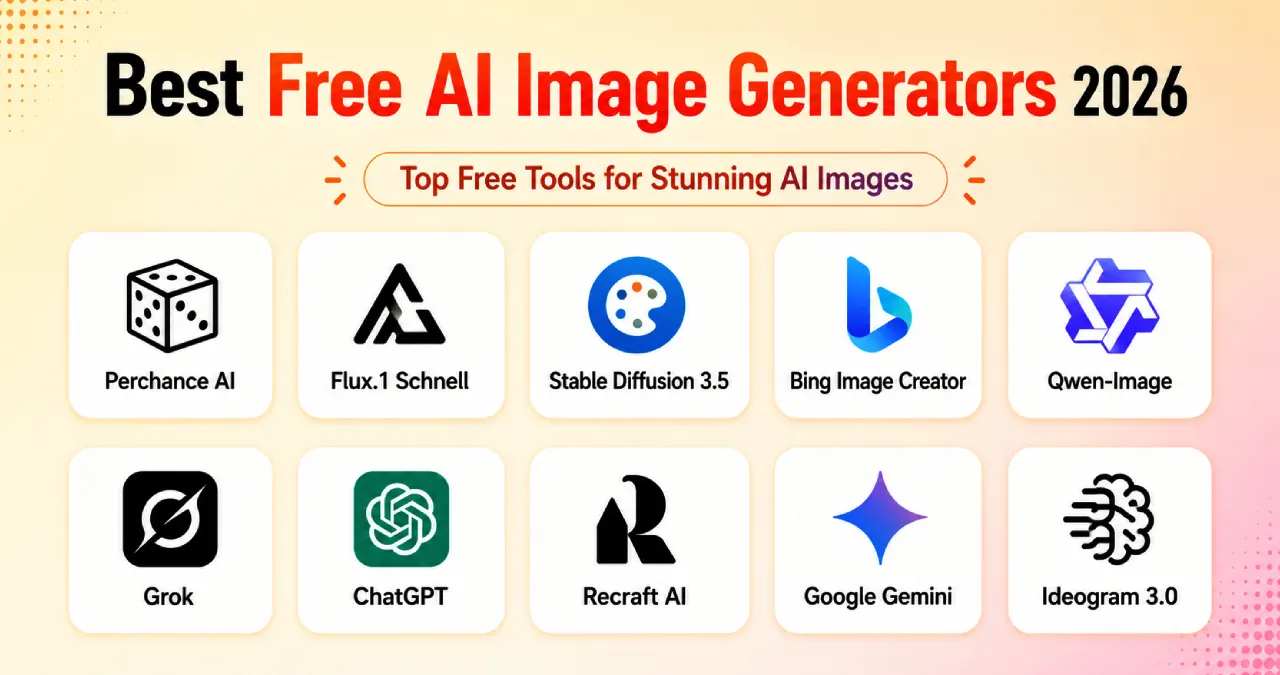
You can get visuals of products, posters, and graphics for social media from these AI tools. These tools can create marketing designs and concept art quickly. They are suitable for small business owners, marketers, and students. Additionally, beginners can create images using these AI image generators without any knowledge of design. Some free image generators are Perchance AI and Flux.1 Schnell, Stable Diffusion 3.5, Qwen-Image, Bing Image Creator, Grok, ChatGPT, Recraft, Google Gemini, and Ideogram 3.0.
In this Ainewsjournal blog, there is a discussion on free AI image creation tools.
Table of Contents
Perchance AI
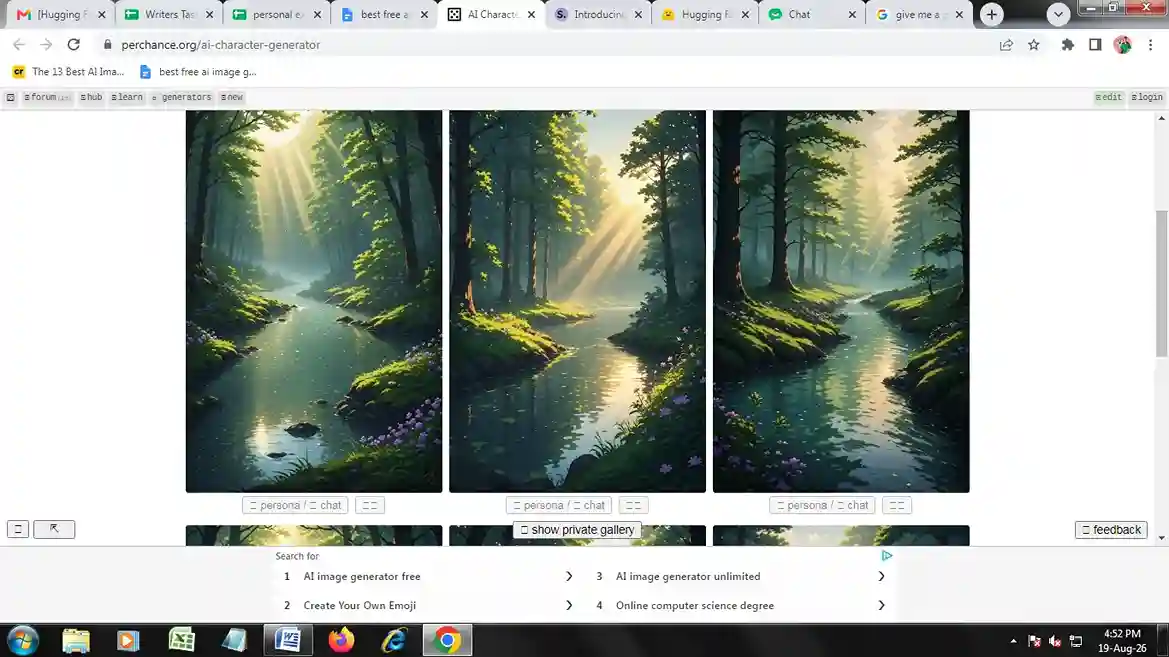
Perchance AI is a web-based free website hosting a simple image generator without any subscription, login, or sign-up required in the browser. It is totally free for fundamental use without any credit cap.
Features of Perchance AI
- Uses a prompt to convert text to an image.
- Create unlimited photos.
- No need to create an account.
- Different art styles like painting, fantasy, cartoon, anime, and realistic photography.
- Offers guidance on prompt creation.
Pros of Perchance AI
- Free for everyone.
- One can use this AI generator without an account.
- Good for concept art, posters, fantasy scenes, characters, and illustrations.
- Various forms of image creators.
- Remarkable for checking innovative ideas.
- Perfect for generating new ideas.
- Excellent for trying something new.
Cons of Perchance AI
- Irregular results for the same prompt.
- Absence of region editing and inpainting.
- Hazy text within the image.
- Lack of control over negative prompt, composition control, sampling and model choice.
Perchance AI is Best for
Authors, indie game designers, concept illustrators.
Flux.1 Schnell
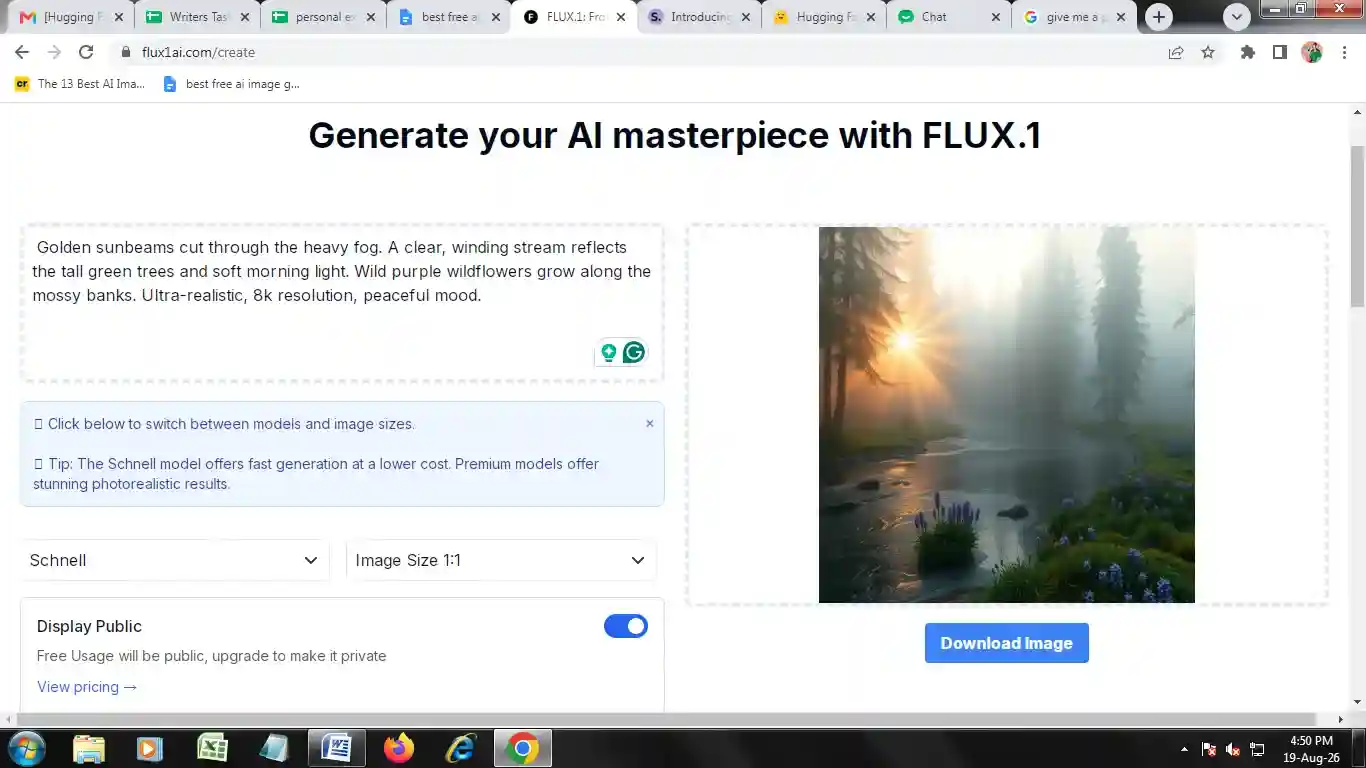
Flux.1 Schnell is a free and quick AI model that converts text to images. ‘Schnell’ means quick in the German language. It creates high-standard images for instant sample creation via Hugging Face Space. It is an open-source tool that works with an Apache 2.0 license. It requires true GPU hardware with 16GB+ VRAM or any hosted wrapper.
Features of Flux.1 Schnell
- Creates images quickly.
- Converts text to an image.
- High-resolution image.
- Follows the prompts and produces an image using a 12-billion-parameter model.
- Launched under the Apache 2.0 License for scientific, commercial, and personal use.
- Integrates with ComfyUI for a high-quality image creation pipeline.
Pros of Flux.1 Schnell
- Instant creation of images.
- The images have a high standard.
- Converts natural descriptions to breathtaking scenes.
- One can download and run regionally without any charges.
- Use this tool at the commercial and personal level.
- Integrates with some workflows and applications.
- Create endless free images.
Cons of Flux.1 Schnell
- Needs a GPU memory of 16GB, and for a perfect launch, 32GB is essential.
- Local installation is not good for beginners as it needs GPU drivers and Python settings.
- Quite heavy in comparison to simple image creation tools.
- Faces problems with prompt precision.
- Actual image creation time is quite long on weak GPUs.
- Sometimes it creates wrong images.
Flux.1 Schnell is Best for
Concept artists, indie creators and software developers.
Stable Diffusion 3.5
Stable Diffusion is an AI model that converts text to high-quality images. Free for individuals and the corporate sector within $1M in yearly revenue; bigger commercial applications need a license, but it is not free without conditions for businesses.
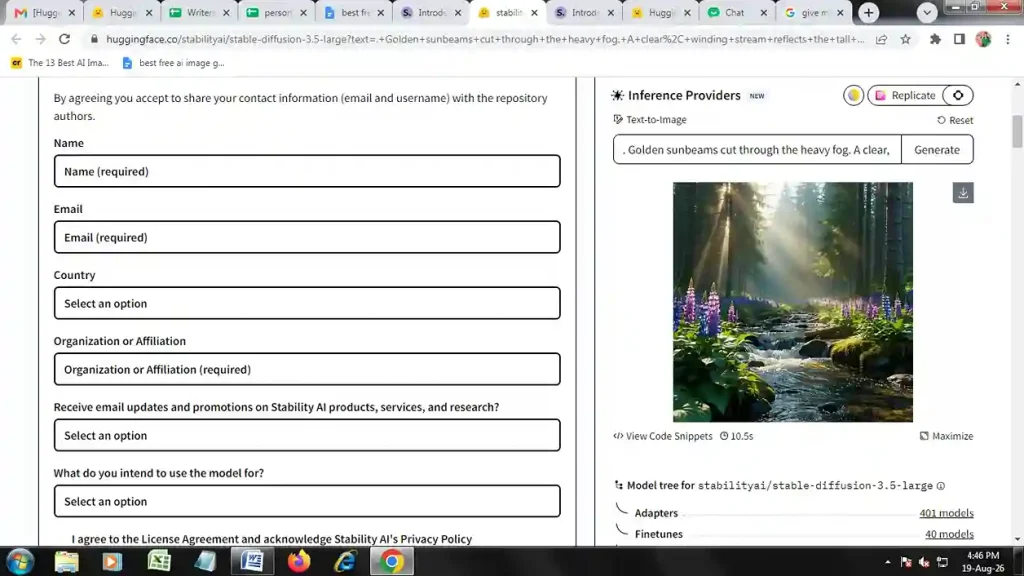
It is free for those who have their own GPU or utilize a third-party free host. You have to register to huggingface platform and use the link to login and go to the inference providers section, where you have to add the prompt in the text-to-prompt section.
Use this prompt:
Golden sunbeams cut through the heavy fog. A clear, winding stream reflects the tall green trees and soft morning light. Wild purple wildflowers grow along the mossy banks. Ultra-realistic, 8k resolution, peaceful mood.
Then, you will get an image as shown above.
Features of Stable Diffusion 3.5
- Creates excellent images with a resolution of one megapixel.
- Follows tough prompts and obeys the user’s instructions.
- Various versions are present on the basis of requirement.
- Image creation is really quick.
- Creates different artistic styles like line art, illustration, paintings and 3D artwork.
- Modify a specific type.
- Changes an image using a text prompt.
- Permits users to regulate the spatial composition and format.
- Launch the model in a personal framework.
Pros of Stable Diffusion 3.5
- Creates high-resolution images.
- Follow the prompt properly.
- People can select the model independently.
- Produces images quickly.
- People can regulate the data and workflow.
- Offers a community license for free application.
- Integrates with Diffusers and ComfyUI for developers and creators.
Cons of Stable Diffusion 3.5
- Tough for beginners as they need to learn the workflows and regional installation.
- Needs powerful hardware.
- Various versions are not the same.
- Terms are present for commercial use.
- Slow on a PC with poor configuration.
Stable Diffusion 3.5 is Best for
Digital marketers and graphic designers.
Bing Image Creator
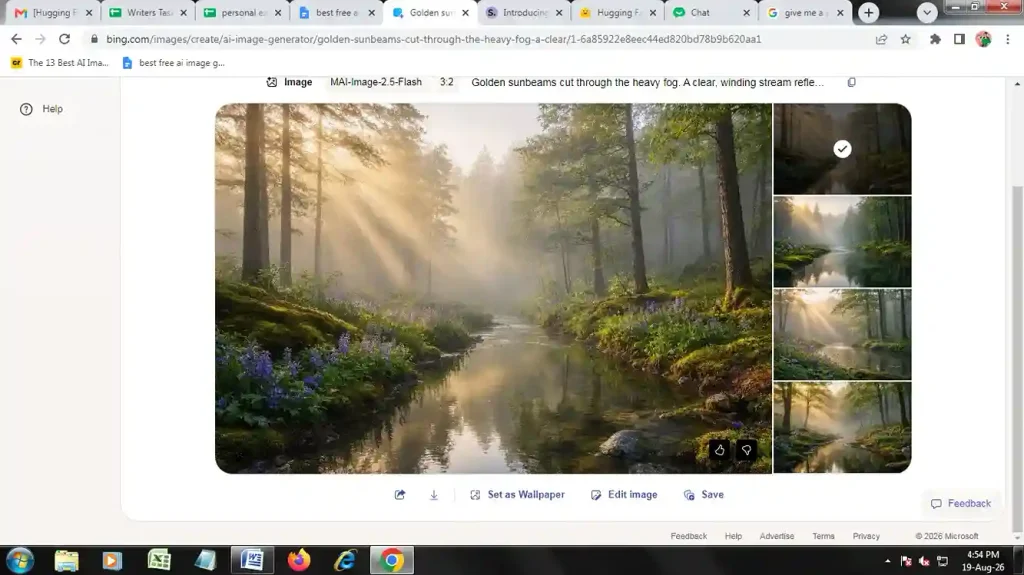
Bing Image Creator is an AI image creation tool for visuals, photos, and AI art. It is completely free. It shows rate-limited boosts, and it decreases the pace after you finish the free limit every day or week.
Features of Bing Image Creator
- Creates images from text using natural language.
- Produces product ideas, scenery, figures, artwork, and illustrations.
- Describe the style, topic, scene, and color in natural language.
- Create several outputs from one prompt.
- Create different styles like illustration, painting, fantasy, 3D, digital art, cartoon, anime, and photorealistic.
Pros of Bing Image Creator
- Very simple and free to apply.
- Absence of a strong GPU.
- Wide range of styles in images.
- Prompting using language of daily life.
- Creates ideas instantly.
- Produces visual materials for blogs, YouTube, and social media.
- Create an image without signing in by just pasting the prompt, and with one click, you will get an image.
Cons of Bing Image Creator
- AI images might have text with wrong spelling or design.
- Advanced members fail to modify the model.
- Remain online while creating an image.
- No regulation over image creation.
Bing Image Creator is Best for
Digital marketers, bloggers, and content creators.
Qwen-Image
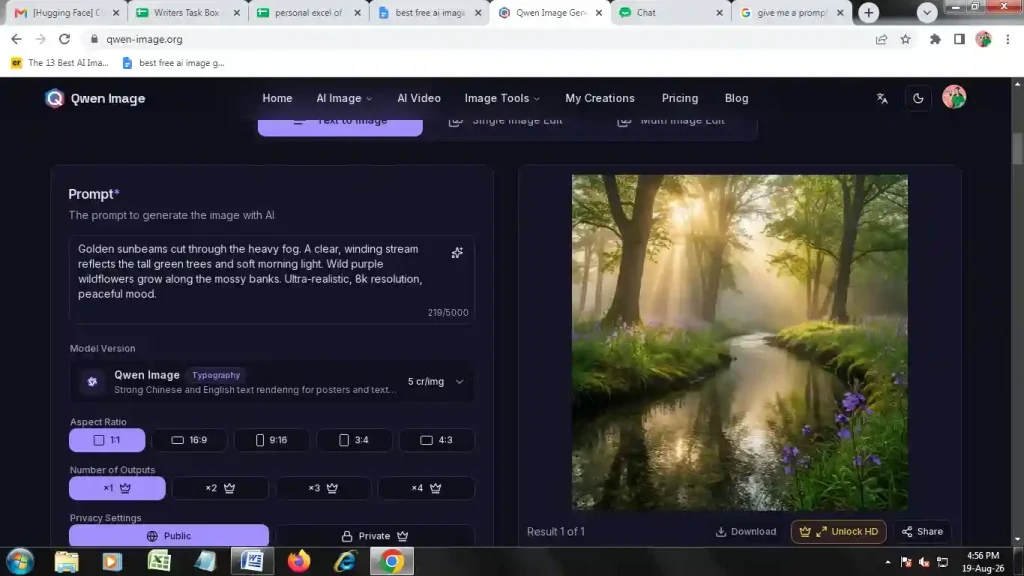
Qwen-Image is a sophisticated AI image creation and editing model developed by Alibaba. It is free for personal use under an Apache 2.0 license. The free version is available through Hugging Face or ModelScope. It can be used for free with the Qwen chat application, as it is the only no-GPU-needed free path. One must have a GPU to use it locally.
Features of Qwen-Image
- Deals with long prompts for storyboards and infographics.
- Provides micro-level descriptions.
- Uses native rendering and supports web layout and games.
- Adds in-depth image editing with text-to-image creation.
Pros of Qwen-Image
- Distinct rendering of text.
- Editing of images through natural language.
- Offers high resolution.
- Follows the guidelines of the prompt.
Cons of Qwen-Image
- Workflows and extensions are not developed.
- Significant GPU and VRAM.
- Might show repetitive patterns.
Qwen-Image is Best for
Teachers, graphic designers and marketers.
Grok
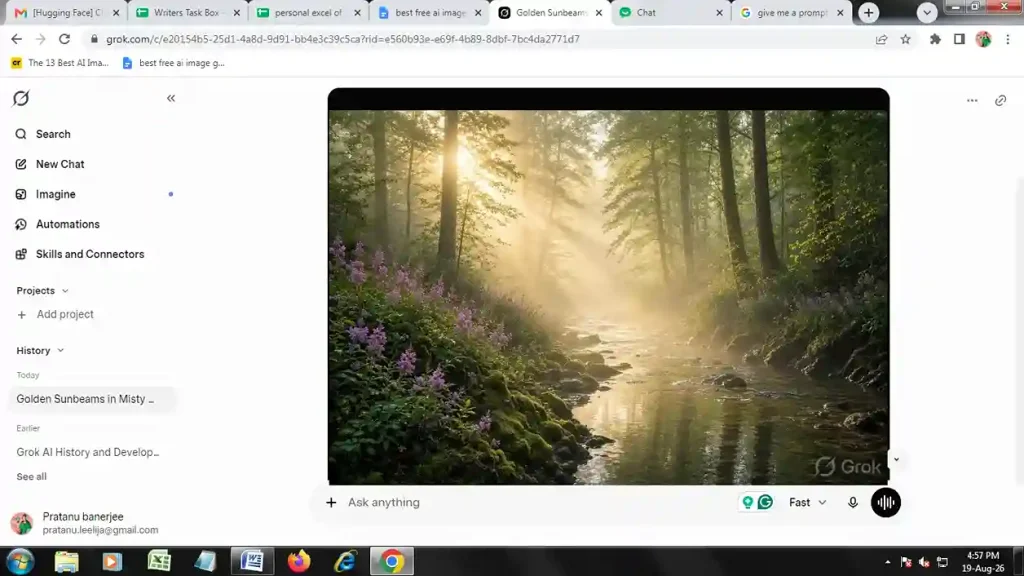
Grok is an advanced conversational AI from xAI offering image creation, videos and logos. It is free with basic facilities and message limitations. It is 10 messages every 2 hours.
Features of Grok
- Understands complicated prompts for precise design.
- Clear text in the post.
- Creates several outputs for the same prompt.
- Presents abstract art and digital illustration.
- Offers photorealism and anime.
- Removes the background of a picture.
Pros of Grok
- Offers live data.
- Shows a unique personality.
- Presents Think and Deep Research versions for logical reasoning.
- Shows a combination of image creation and text processing.
Cons of Grok
- Creates issues of data privacy and partiality in politics.
- Needs a costly subscription for premium facilities.
- Shows wrong data.
Grok is Best for
Content creators, financial analysts, journalists, and social media managers.
ChatGPT
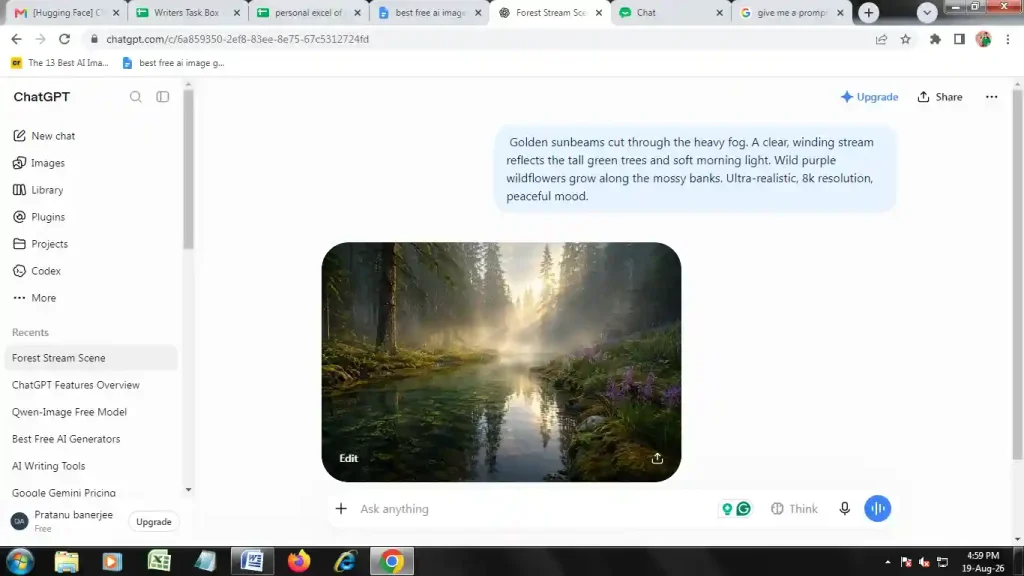
ChatGPT is an AI chatbot by OpenAI that creates pictures and analyzes them. It provides computer code, writes emails and essays, and finds real data on the web. It is free, but it is limited to 2 to 3 images every 24 hours.
Features of ChatGPT
- Uses text to create professional photos.
- Writes the text accurately within the images.
- Creates pictures in landscape and vertical formats.
- Replicates pixel art, manga, and cinematic stills effectively.
Pros of ChatGPT
- Helps in generating ideas.
- Follows the guidelines of complex prompts for the design.
- Shows the right spelling in the infographic and book covers.
- Modifies the picture through the instruction.
Cons of ChatGPT
- Free usage gives limited images per day.
- Artificial images of hands, faces, and lighting.
- Absence of accurate layer controls.
ChatGPT is Best for
Data analysts, digital marketers, content writers, and software programmers.
Recraft AI
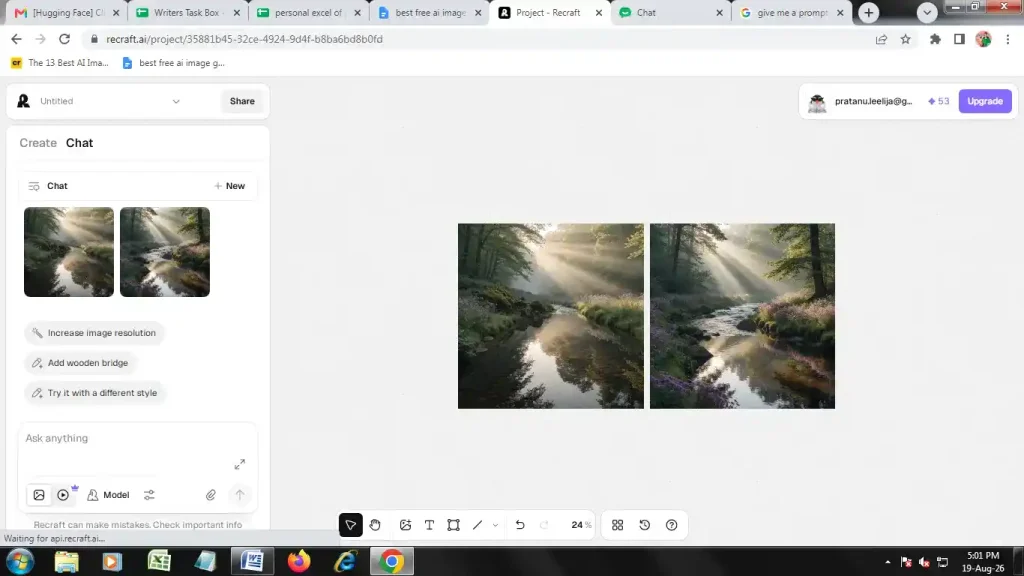
Recraft is an AI platform for high-quality graphic design. It is free with 3 generations in style per day, 3 image uploads every day, 2 images in each generation, and fundamental editing tools.
Features of Recraft AI
- Creates modifiable SVG vector files.
- Converts text to signage, menus and posters.
- Keeps the color combination and pattern of the brand.
- Offers a workspace to plan frames and layers.
Pros of Recraft AI
- Actual vector output.
- Maintains the style of the brand.
- Excellent text within the pictures.
- Holistic workflow in canvas.
Cons of Recraft AI
- Faces problems in detailed imaging.
- Needs manual editing of pictures.
- Free plan does not have privacy control.
- One has to generate several times and change the prompt for the right design.
Recraft AI is Best for
Digital marketers and graphic designers.
Google Gemini
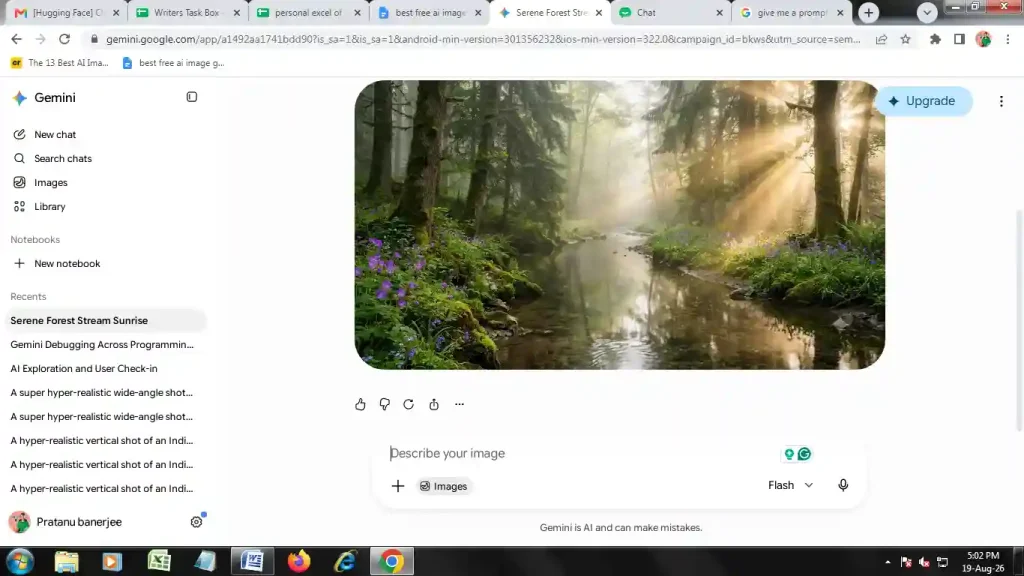
Google Gemini applies the Nano Banana 2 model for creating images. It shows legitimate output regularly. It is free for 20 images per day using the Gemini platform.
Features of Google Gemini
- Offers fabric and skin texture with a lot of details.
- Presents lighting in sufficient detail.
- Converts text to image.
- Shows the text prominently in the image.
- Uses real information from the web for the infographic.
Pros of Google Gemini
- Integrates with Sheets, Drive, Docs, and Gmail.
- Extracts accurate data from Google Maps and Google Search.
- Works as a system helper on mobile for instant help.
Cons of Google Gemini
- Does not provide inpainting.
- Fails to offer fine-grained editing within the generator.
- Produces wrong information.
- Absence of context in long communication.
- Integrates with Drive and Gmail, raising security and privacy threats.
Google Gemini is Best for
Marketers and photographers for AI headshots.
Ideogram 3.0
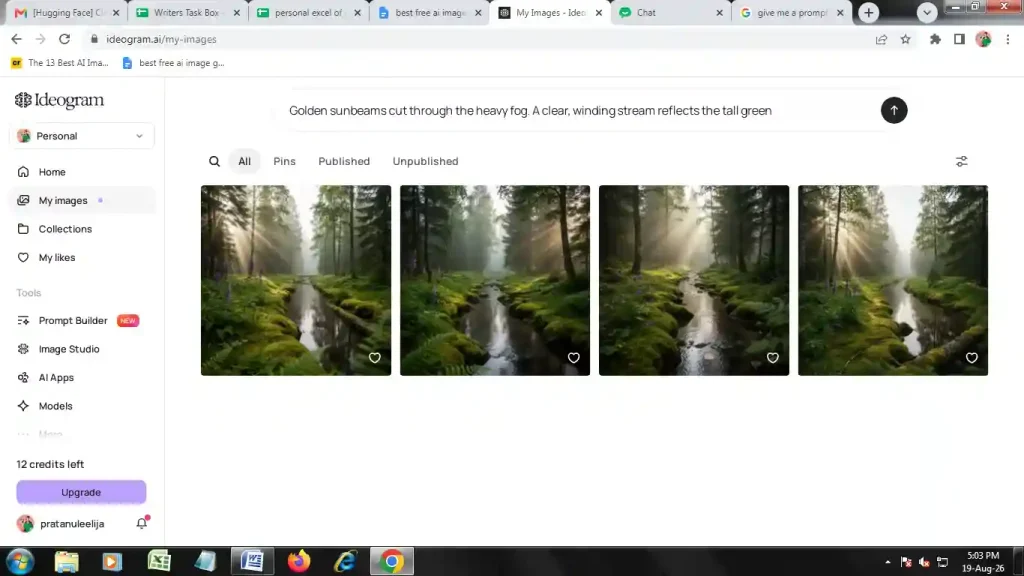
Ideogram 3.0 is an advanced text-to-image AI tool dealing with precise typography and professional graphic design. A free tier is available with 10 credits weekly.
Features of Ideogram 3.0
- Advanced rendering of text.
- Users can share around 3 reference images.
- Precise reflection, texture and lighting physics.
- Analyzes complicated prompts with a high level of accuracy.
Pros of Ideogram 3.0
- High level of precision in the text.
- Permits users to share three images to copy the colors and styles.
- Offers a lot of improvement in depth, texture and lighting.
- Presents web mockups, posters and layouts successfully.
Cons of Ideogram 3.0
- Faces problems with delicate human anatomy.
- Encounters issues in creating infographics.
- It’s quite slow in complicated rendering.
Ideogram 3.0 is Best for
Content creators, marketers and graphic designers.
How to choose the right AI image generator
To select the perfect AI image generator, you need to check the following:
- Exploring the typography and text.
- Checking whether the tool is suitable for beginners.
- Examining the features like speed, quality and image reference.
- Taking access to the AI tool and cost into consideration.
Comparison of The Best Free AI Image Generators 2026
| Tool | Model | Cost | Usage Limit | Speed | Commercial Rights | Basic Advantage |
| Perchance AI | SD 1.5/ SD XL | Free | No usage limit | 5-30 seconds | No | Free without login |
| Flux.1 Schnell | Rectified flow transformer | Free | No usage limit | 1-5 seconds | Yes | Quick image creation |
| Stable Diffusion 3.5 | Multimodal diffusion transformer | Free | No upper limit | 10-30 seconds | Yes | Realistic image |
| Grok | Grok Imagine 2.0 | Free | 10 messages in 2 hours | 2.8 to 5 seconds | Yes | High creation speed |
| ChatGPT | GPT Image 2 | Free | 2-3 images per day | 5- 60 seconds | Yes | Text-to-image |
| Recraft AI | Recraft V4 | Free | 3 generations per day, 2 images per generation | 5-10 seconds | Yes | Clean image |
| Google Gemini | Nano Banana | Free | 20 images per day | 1-4 seconds | Yes | Native multimodality |
| Ideogram 3.0 | Ideogram 3.0 | Free | 10 credits per week | 4-8 seconds | Yes | Best text generation |
| Qwen-image | Qwen-image 3.0 | Free | No daily limit | 2-15 seconds | Yes | Good text rendering |
| Bing Image creator | OpenAI image models | Free | 15 free fast creations per day | 10-15 seconds | Yes | Instant image creation |
Final Verdict
- Flux.1 Schnell: Deals with human anatomy and complicated prompts via web wrappers without charge, which faces queues. Apply it for unique text and exquisite details.
- Perchance AI: Offers low resolution image but you can use it without credit or signup, and it is best for generating ideas. Apply Perchance for unlimited freedom.
- Bing Image Creator: You can use Dall-E 3 of OpenAI without any charge. But the speed slows down when the regular “boost” drops.
- Stable Diffusion 3.5: When you have regional hardware. or through customization in the community, but there is a high learning curve rather than ordinary web portals.
- Qwen-Image: Suitable for infographics, image editing and creation of scenes.
- Grok: Creates product mockups, posters, and ads.
- ChatGPT: Helps in image editing, concept art, infographics and advertising.
- Recraft AI: Vector graphics, product mockups and ecommerce photography.
- Google Gemini: Customized content, diagrams, infographics, photo editing, text-to-image creation.
- Ideogram 3.0: Logo, marketing and print-on-demand.
FAQ
Does Ideogram help in creating human anatomy pictures?
No, it faces problems in creating human anatomy images.
Can Google Gemini create an infographic?
Yes, Gemini can take the help of Google and create an informative infographic.
Which AI tool helps in creating different types of images?
Bing Image Creator helps in creating illustrations, paintings, fantasy, 3D, digital art, cartoons, anime, and photorealistic images.