

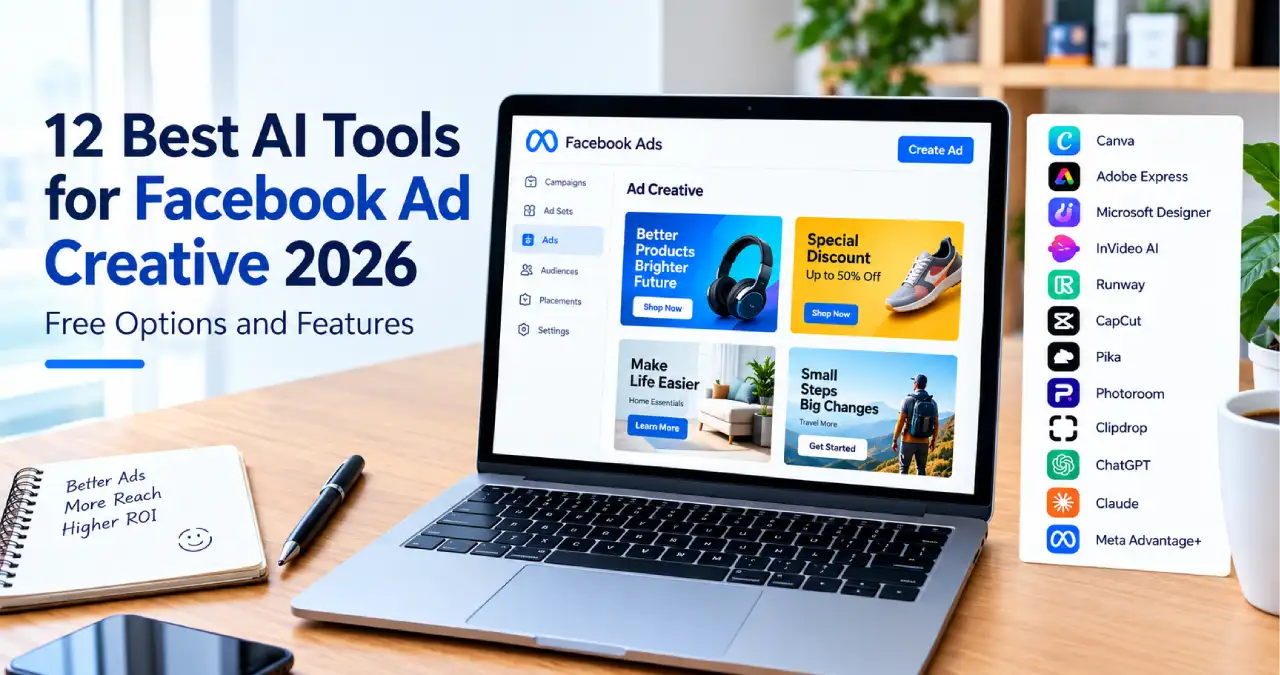
Creating effective Facebook ads no longer requires a large creative team or an expensive collection of design tools. AI-powered platforms can help marketers generate ad copy, create product visuals, edit videos, and develop multiple creative variations in less time.
For small businesses, e-commerce brands, freelancers, and digital marketing agencies, the challenge is choosing tools that fit their workflow and budget. Some platforms offer useful free plans, while others limit exports, generation credits, or commercial usage.
In this Ainewsjournal guide, we explore 12 of the best AI tools for Facebook ad creative 2026, including their key features, best use cases, and free-plan limitations. We also explain how to combine these tools into a practical workflow for producing and testing better ads.
Table of Contents
What Are AI Tools for Facebook Ad Creatives?
AI tools for Facebook ad creatives are software platforms that use artificial intelligence to help create, edit, or optimize advertising content. Depending on the platform, they can generate images, produce short videos, write headlines, improve product photos, or suggest alternative versions of an advertisement.
These tools can help advertisers:
- Create visual concepts for Facebook and Instagram ads.
- Write primary text, headlines, and calls to action.
- Remove backgrounds and improve product photographs.
- Produce short promotional videos and Reels.
- Adapt creative assets to different placements and formats.
- Generate variations for advertising tests.
However, AI-generated content does not guarantee better campaign performance. Results still depend on the product, offer, audience, creative quality, and campaign setup.
Meta’s Built-In AI Tools for Facebook Ads
1. Meta Advantage+ Creative
Best for: Advertisers who want to create and optimize ads directly in Meta Ads Manager.
Before paying for another advertising tool, check the AI-assisted creative features already available in Meta’s advertising platform.
Advantage+ Creative can apply eligible enhancements to advertising assets, helping advertisers produce variations suited to different placements and audiences. Depending on account eligibility and available features, these enhancements may include image adjustments, background generation, text variations, and video improvements.
Key features:
- AI-assisted creative enhancements.
- Image and background variations where available.
- Adjustments for different ad placements.
- Text and headline variations where supported.
- Integration with Meta’s advertising workflow.
Free-plan details: There is no separate subscription fee for using eligible Ads Manager features, although running campaigns requires an advertising budget. Feature availability can vary by account, region, and campaign.
Why use it? It is a practical starting point for advertisers who want to experiment with creative variations without immediately subscribing to another platform.
Review Meta’s AI advertising transparency announcement for information about its approach to AI-generated advertising content.
Best AI Tools for Ad Images and Graphic Design
2. Canva Magic Studio
Best for: Beginners, small businesses, and marketers who need branded ad graphics.
Canva combines a visual design editor with AI-assisted creation and editing features. It is useful for creating promotional graphics, product announcements, sale banners, and social media advertisements without advanced design skills.
Key features:
- AI-assisted design and image creation.
- Templates for social media advertisements.
- Text and layout editing.
- Image editing and resizing tools.
- Brand colors, fonts, and reusable design elements.
Free-plan details: Canva offers a free plan with limited AI usage. Some advanced features, premium assets, and higher usage allowances require a paid plan.
Why use it? Canva is a convenient option for creating several ad concepts and maintaining a consistent visual identity across campaigns.
Before publishing, check whether the assets and AI features used in your design are included in your plan.
Official website: Canva
3. Adobe Express
Best for: Marketers who want polished promotional graphics and quick video edits.
Adobe Express provides templates, image and video editing, typography, and AI-powered creative features. It can help businesses create product promotions, sale announcements, branded graphics, and short advertising videos.
Key features:
- Social media templates.
- AI-assisted image generation and editing.
- Text effects and layout tools.
- Photo and video editing.
- Brand assets and content scheduling.
Free-plan details: Adobe Express offers a free plan with standard editing tools, templates, selected stock assets, and limited access to certain premium features. Availability depends on the feature and asset selected.
Why use it? It is a useful option for businesses that want professional-looking creative assets without learning complex design software.
For commercial campaigns, review the applicable Adobe licensing terms and the terms for any third-party assets you use.
Official website: Adobe Express
4. Microsoft Designer
Best for: Quickly exploring visual concepts from text prompts.
Microsoft Designer helps users create and edit visual content with AI assistance. It can be useful when a marketer has an idea for an advertisement but needs help turning it into an initial visual concept.
Key features:
- AI-assisted image generation.
- Text-prompt-based visual creation.
- Image editing and design suggestions.
- Social media graphics and creative concepts.
Free-plan details: Access and AI usage limits depend on the current Microsoft account and service terms. Do not assume that every generated image is available for unrestricted commercial advertising.
Why use it? It can help marketers explore visual directions before refining the selected concept in a dedicated design editor.
Official website: Microsoft Designer
Best AI Tools for Facebook Ad Videos
5. InVideo AI
Best for: Turning scripts and text prompts into promotional videos.
InVideo AI helps users create videos from written instructions. It can assemble visual sequences, generate narration, and structure video content around a marketing message.
Key features:
- Prompt-based video creation.
- Script generation and editing.
- AI-assisted narration.
- Video templates and stock media.
- Tools for developing promotional content.
Free-plan details: Free access is limited, and export restrictions or watermarks may apply. Check the current plan details before producing a video for a commercial campaign.
Why use it? It is helpful for marketers who want to develop video concepts without building every scene from scratch.
Official website: InVideo
6. Runway
Best for: AI-generated video concepts and visually distinctive advertisements.
Runway offers generative video and image tools that can help creative teams experiment with scenes, motion, and visual styles. It is particularly useful when a campaign needs original footage or visual concepts that would otherwise take more production time.
Key features:
- Text-to-video and image-to-video generation.
- AI-assisted video editing.
- Visual style and motion experimentation.
- Creative tools for short-form video production.
Free-plan details: Free access and generation credits are limited and can change as models and plans evolve. Confirm current export and commercial-use conditions before publishing generated material.
Why use it? Runway is worth considering for campaigns that rely on distinctive visuals rather than conventional static graphics.
Official website: Runway
7. CapCut
Best for: Short-form video ads, product demonstrations, and user-generated-content-style creatives.
CapCut provides video editing tools that can help marketers turn product footage into short, engaging advertisements. Its AI-assisted features can simplify several editing tasks.
Key features:
- Automatic captions and subtitle editing.
- Text-to-speech features.
- Background removal where supported.
- Templates, transitions, and effects.
- Tools for trimming and formatting videos.
Free-plan details: Basic editing is available without a subscription, but some effects, templates, AI features, and export options may require payment. Watermarks and commercial-use conditions depend on the assets and features selected.
Why use it? CapCut is a practical choice for editing product demonstrations, testimonial-style videos, and vertical creatives for Facebook Reels.
Official website: CapCut
8. Pika
Best for: Experimental short videos and animated creative concepts.
Pika focuses on AI-generated visual content, allowing users to create and modify videos from prompts and images. It can be useful for testing creative concepts that would be difficult to produce through traditional editing alone.
Key features:
- AI video generation.
- Image-to-video creation.
- Visual transformations and effects.
- Short-form creative experimentation.
Free-plan details: Free access is subject to the current credit and usage arrangements. Pika’s published terms distinguish free usage from paid plans that include commercial rights. A watermark-free export does not automatically grant commercial permission.
Why use it? Pika can help advertisers explore motion-based concepts before committing to a larger production budget.
Official website: Pika
Best AI Tools for Product Photos and Background Editing
9. Photoroom
Best for: E-commerce brands and online sellers who need polished product images.
Product photography can be expensive, particularly when a business sells many items or frequently changes its campaigns. Photoroom helps users isolate products, change backgrounds, and prepare cleaner visuals for digital storefronts and advertising concepts.
Key features:
- Automatic background removal.
- AI-generated backgrounds.
- Product image editing.
- Lighting and visual adjustments.
- Image resizing and preparation for different formats.
Free-plan details: The free plan has limitations, and commercial usage is restricted under the applicable free-plan terms. Check Photoroom’s current licensing conditions before using free-plan output in paid advertising.
Why use it? It can simplify product-image preparation, especially when an online store needs multiple creative concepts for the same item.
10. Clipdrop
Best for: Cleaning up product images and preparing visuals for ad layouts.
Clipdrop provides AI-assisted image editing tools, including background removal, object cleanup, image enhancement, and generative editing. It is most useful as part of a broader creative workflow rather than as a complete advertising platform.
Key features:
- Background removal.
- Object cleanup and image repair.
- Image upscaling.
- Lighting adjustments.
- AI-assisted image replacement and editing.
Free-plan details: Access, export quality, watermarks, and usage limits vary by tool and plan. Review the current terms before using edited images commercially.
Why use it? Clipdrop can help prepare product photographs before they are placed into an advertisement using a design tool such as Canva or Adobe Express.
Official website: Clipdrop
Best AI Tools for Facebook Ad Copy and Headlines
11. ChatGPT
Best for: Ad copywriting, campaign brainstorming, and developing multiple creative angles.
ChatGPT can help marketers develop advertising concepts, write headlines, refine product descriptions, and generate alternative versions of primary text. It can also help structure a campaign brief before the creative assets are produced.
Key features:
- Headline and primary-text generation.
- Calls to action and promotional messaging.
- Audience-specific copy variations.
- Brainstorming and creative briefs.
- Editing and rewriting existing copy.
Free-plan details: A free plan is available, but usage limits and access to certain models or features can vary. Review the current terms for your intended use.
Why use it? ChatGPT is useful when you need several distinct messages for the same product, such as a benefit-led headline, a problem-focused opening, and a customer-focused promotional angle.
For example, you could ask it to write five short Facebook ad headlines for a reusable water bottle, each aimed at a different customer benefit. You should then verify the claims and select the copy that fits your audience and offer.
Official website: ChatGPT
12. Claude
Best for: Natural-sounding copy, longer campaign briefs, and brand storytelling.
Claude is an AI assistant that can help marketers develop messaging, organize campaign ideas, and refine copy for different audiences. It is particularly useful when the brief contains detailed product information, brand guidelines, or a specific tone of voice.
Key features:
- Ad copy and headline drafting.
- Brand messaging and storytelling.
- Editing and tone adjustments.
- Campaign concept development.
- Summarizing product information into creative briefs.
Free-plan details: Claude offers free access with usage limits. Available features and limits can change, and integrations may depend on the plan or account.
Why use it? Claude is worth testing when your advertising needs a consistent tone, a more detailed narrative, or careful editing of longer marketing copy.
Official website: Claude
Quick Comparison: Which AI Tool Should You Choose?
The following table summarizes the main use cases. Free access does not necessarily mean unlimited usage or permission to use every output commercially.
| Tool | Best use | Free access |
|---|---|---|
| Meta Advantage+ Creative | In-platform ad enhancements | Available features depend on account and campaign |
| Canva Magic Studio | Ad graphics and layouts | Limited AI usage |
| Adobe Express | Branded graphics and video editing | Free plan with limitations |
| Microsoft Designer | AI-generated visual concepts | Access and usage limits may apply |
| InVideo AI | Prompt-based video creation | Limited; export restrictions may apply |
| Runway | Generative video concepts | Limited credits and features |
| CapCut | Short-form video editing | Basic editing; selected features are paid |
| Pika | Experimental AI videos | Limited access; free plan excludes commercial rights |
| Photoroom | Product photography | Limited; check commercial licensing |
| Clipdrop | Product-image cleanup | Tool-specific limits |
| ChatGPT | Ad copy and brainstorming | Free access with usage limits |
| Claude | Brand messaging and copy editing | Free access with usage limits |
Always consult the official plan and licensing pages before using AI-generated assets in a paid campaign. Watermarks, commercial rights, and generation limits are separate considerations.
What About Paid AI Tools for Facebook Ad Creatives?
Free tools are often sufficient for initial experiments. However, growing businesses may benefit from paid platforms when they need more production capacity, specialized workflows, or campaign management features.
Here are several categories worth exploring:
- Ad copy and brand content: Jasper and Copy.ai.
- Performance-focused ad creative: AdCreative.ai.
- AI-generated advertising videos: Creatify and Arcads.
- Creative research and competitor inspiration: Foreplay.
- Creative testing and performance workflows: Pencil.
- Advertising automation: Madgicx and Bïrch.
- Enterprise creative production: Smartly.io.
These platforms serve different needs, and their pricing, feature availability, and commercial terms vary. Evaluate them against a specific business requirement rather than assuming that a paid subscription will automatically improve results.
How to Create Facebook Ad Creatives With AI: A Step-by-Step Workflow
Having access to several AI tools is less important than knowing how to use them effectively. A straightforward workflow can help reduce unnecessary subscriptions and keep your campaign focused.
Step 1: Research Your Audience and Competitors
Start by identifying your target audience, its main problems, and the benefits your product offers.
Use the Meta Ad Library to research publicly available advertisements. Look for recurring messaging patterns, creative formats, promotional offers, and ways competitors present their products.
Use competitor research for inspiration, not to copy another brand’s creative assets or wording.
Step 2: Write a Clear Creative Brief
Before generating content, prepare a brief that includes:
- Product or service details.
- Target audience.
- Main customer problem.
- Primary benefit and offer.
- Evidence supporting product claims.
- Brand tone and visual identity.
- Desired action, such as shopping or signing up.
A clear brief gives AI tools better context and makes the resulting creative concepts easier to evaluate.
Step 3: Generate Multiple Ad Concepts
Use ChatGPT or Claude to develop several messaging angles. Then use Canva, Adobe Express, or an appropriate image or video generator to explore visual concepts.
For example, an online store selling fitness accessories could test these three angles:
- A product-benefit message.
- A problem-and-solution message.
- A customer-lifestyle message.
The goal is to explore meaningfully different ideas, not merely change a few words in the same advertisement.
Step 4: Edit and Adapt the Creative Assets
Use a design editor to check typography, contrast, image quality, brand consistency, and calls to action.
For video ads, ensure captions are readable and the product or message appears clearly. Adapt the creative to the intended placement rather than stretching the same asset into every format.
Common starting formats include square (1:1), portrait (4:5), and vertical (9:16). Confirm the current specifications for the placements you intend to use.
Step 5: Review Accuracy, Licensing, and Ad Policies
Before publishing, check that the generated content accurately represents your product.
Look for distorted product details, invented features, misleading testimonials, inaccurate pricing, and unsupported performance claims.
Also confirm that you have the necessary rights to the images, music, footage, fonts, and AI-generated assets. Check Meta’s current advertising policies and applicable AI-disclosure requirements. Meta has expanded transparency around AI-generated and significantly AI-edited advertising content, and its labeling approach can evolve.
Step 6: Test and Measure Performance
Launch a controlled test using a manageable number of distinct creatives. Three to five variations can be a reasonable starting point when your budget and expected traffic provide enough data.
Track metrics relevant to your campaign objective, such as:
- Click-through rate (CTR).
- Cost per click (CPC).
- Conversion rate.
- Cost per acquisition (CPA).
- Return on ad spend (ROAS).
Avoid declaring a winner based on a small number of clicks or impressions. Give the test enough data to support a meaningful comparison, taking budget, conversion volume, and campaign conditions into account.
Step 7: Improve the Next Round
Use the results to decide which creative angles deserve further testing. Refine the weakest elements, retain promising concepts, and generate new variations based on actual performance.
The objective is to build a repeatable improvement process rather than produce a large number of ads without learning from the results.
Limitations of AI Tools for Facebook Ad Creatives
AI tools can reduce creative production time, but they have limitations that marketers should understand.
1. Inaccurate visual details: Generated images may alter product packaging, proportions, logos, or other important details. Review every asset before publication.
2. Generic messaging: AI-generated copy can sound repetitive or fail to reflect your audience’s real concerns. Use product knowledge and customer research to improve it.
3. Usage limits: Free plans may restrict generation credits, exports, resolution, premium assets, or access to specific features.
4. Commercial licensing: A free plan may not grant permission to use its outputs in paid advertising. Check the terms for the exact tool, plan, and assets you use.
5. Disclosure and policy requirements: Meta’s AI transparency practices and advertising policies can change. Verify the requirements that apply to your specific ad before publishing.
6. No guaranteed performance improvement: AI can speed up production, but it cannot guarantee conversions, lower acquisition costs, or higher returns. Campaign performance still needs to be measured.
Conclusion
The best AI tools for Facebook ad creatives in 2026 depend on what you need to produce. Meta Advantage+ Creative is a useful starting point for in-platform enhancements, Canva and Adobe Express are practical for graphics, CapCut supports short-form video editing, and ChatGPT or Claude can help develop advertising copy.
For product photography and more experimental visuals, Photoroom, Clipdrop, Runway, and Pika offer different capabilities. Their free-plan restrictions and commercial-use conditions should be reviewed before you use the results in a campaign.
Start with one or two tools that address your biggest creative bottleneck. Develop a clear brief, create a small set of distinct concepts, check every asset, and test performance using meaningful campaign data. Add paid subscriptions only when the additional features or capacity justify the cost.
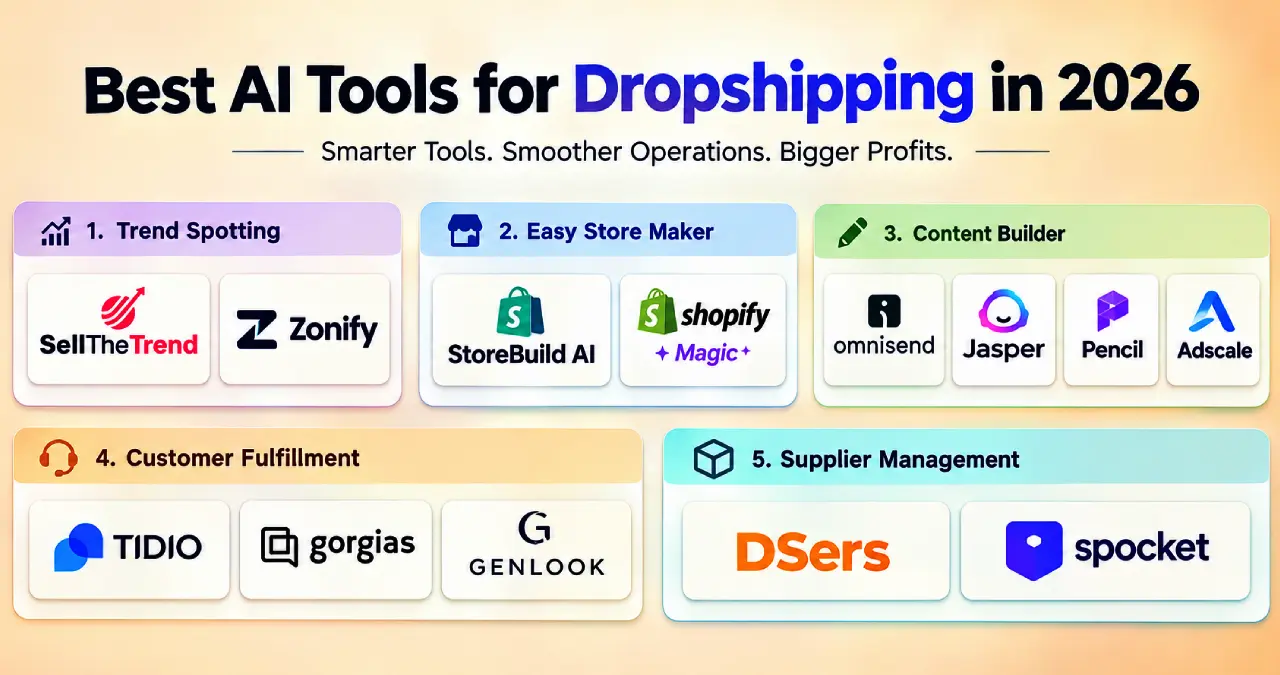
For more practical AI marketing ideas, explore our guides to the best AI tools for dropshipping in 2026 and AI search optimization.
Frequently Asked Questions
Can I create Facebook ads with AI for free?
Yes. You can begin with free or limited-free tools such as ChatGPT, Canva, Adobe Express, CapCut, and eligible features in Meta Ads Manager. However, some features require payment, and not every free plan permits commercial use of its output.
Are AI-generated ads allowed on Facebook?
AI-assisted and AI-generated advertising can be used subject to Meta’s applicable advertising policies and disclosure requirements. Rules may vary by content type and circumstances, so review the latest requirements before publishing.
Do AI-generated Facebook ads perform better than human-created ads?
Not necessarily. AI can speed up production and help generate more ideas, but results depend on the creative concept, offer, audience, and campaign execution. Test AI-assisted and conventional creatives against the same relevant performance metrics.
What is the best free AI tool for Facebook ad creatives?
There is no single best option for every advertiser. Canva is a useful starting point for graphics, CapCut for video editing, ChatGPT for ad copy, and eligible Meta Ads Manager features for in-platform creative enhancements. Choose according to your requirements and licensing needs.
How many Facebook ad creatives should I test?
Three to five distinct variations can be a useful starting point if your budget and traffic can support a meaningful comparison. Smaller campaigns may need fewer variations, while larger campaigns may support more extensive testing.
Can I use AI-generated product images in paid Facebook ads?
Potentially, yes, provided the content complies with the applicable platform policies and you have the necessary rights to use it commercially. Verify the tool’s licensing terms, ensure the image accurately represents the product, and follow any relevant disclosure requirements.
Very good